Geoff plays in four bands in Ireland. He's 60, runs every gig from his tablet, and at a band rehearsal he found a bug in Fretlist that nobody had hit in development.
Here's what happened, and what it forced me to fix.
The bug
The mixing desk in the rehearsal room was broadcasting its own private WiFi network for the engineer's iPad. Geoff's tablet auto-joined. The browser saw "WiFi connected." Everything looked online.
But the mixer's network had no internet behind it. It was just there for the desk.
Fretlist trusted what the browser said. It tried to fetch the setlist from the server, the request hung, and the app stalled instead of falling back to the offline copy already on the device. Right before the band ran their first song.
It was a rehearsal, so Geoff worked around it and sent me the most useful bug report I've ever received. Next time it could have been on stage.
Why I missed it
Stage WiFi is full of "WiFi exists, no internet behind it" networks. Mixers, in-ear monitor systems, festival comms, hotel lobbies. The browser doesn't know. The OS doesn't know. They report "online" because there's a Wi-Fi signal, and that's all most apps check.
I shipped a fix the same week. The app now checks for actual reachability instead of trusting the operating system's signal. If nothing answers, Fretlist falls back to the local copy and gets out of the way.
What offline means in Fretlist now
Your whole library lives on the device. Songs, setlists, lyrics, chords, keys, capo positions. Open Play Mode with no signal and there's no spinner, it's already there. Transpose and capo run on the device. Tap-tempo a song faster mid-set and the new BPM saves on the device, then syncs back when you reconnect.
Editing or creating songs and setlists, signing in the first time, importing, sharing a public link, and sync between devices are the parts that still need internet. None of those happen during a performance.
The brutal test
Open your chord sheet app, force-quit it, switch the device to airplane mode, and re-open it. Does the library load? Can you transpose? Open Play Mode? Edit a song?
If anything stalls, that's not really offline. That's "online with a cache." On stage, that's the same as broken.
I run that test before every Fretlist release. Geoff's bug took it from a smoke-test to a non-negotiable.
What Geoff sent me from the next gig
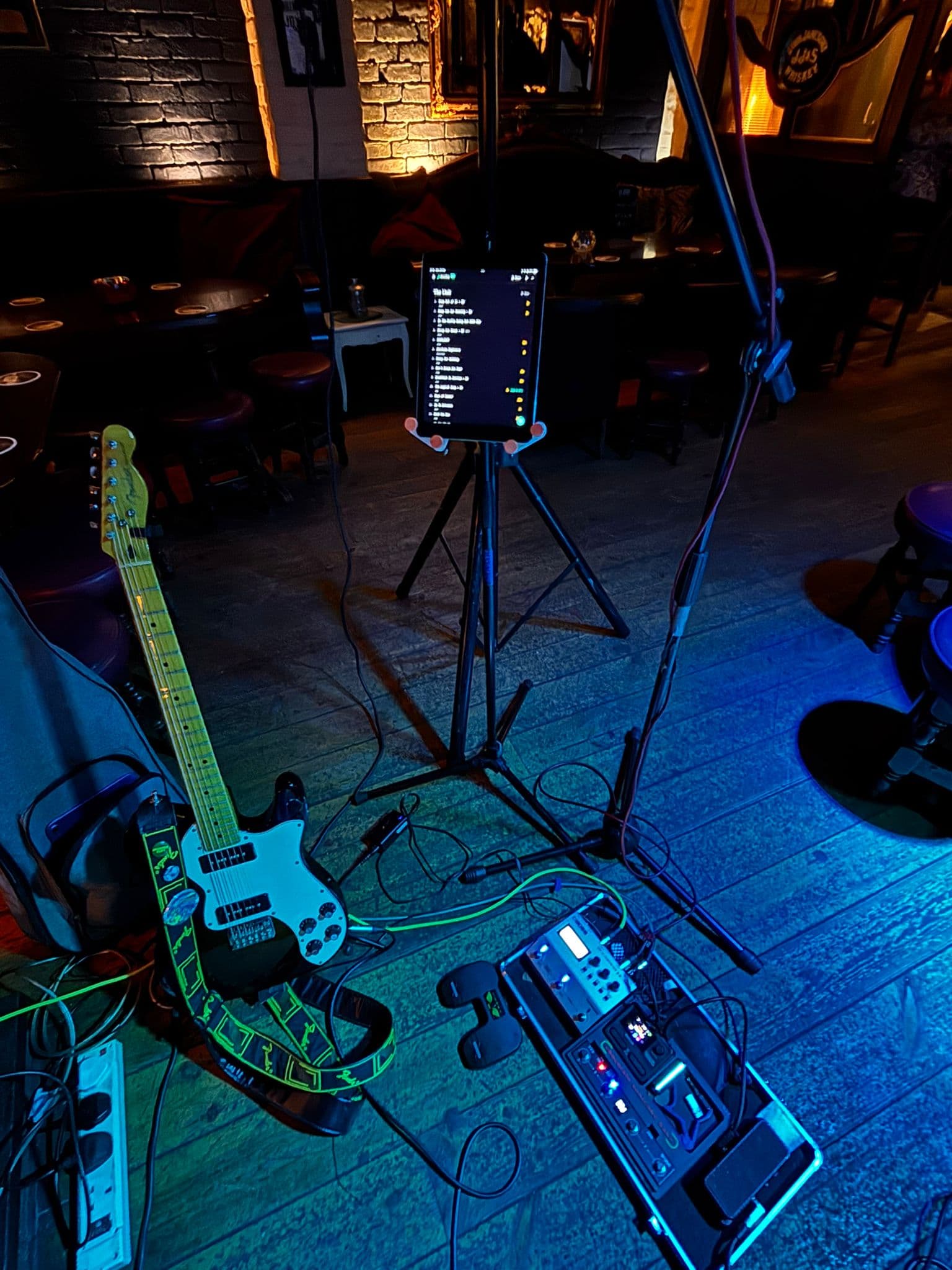
That's what I'm building for. Not the spec sheet. The moment a working musician trusts Fretlist enough to leave the printed sheets at home.
If your chord sheets are spread across apps that quietly stop working when the WiFi gets weird, give Fretlist a try. It's free during Early Access. Bring your library, or import it from whatever you're using now.