Fretlist vs OnSong: the full comparison
Switching from OnSong? Fretlist imports your OnSong backup in one go and runs on iPad, Android, Windows and Mac, with offline Play Mode for the stage. Free to start.
Both run on an iPad, both build setlists, both turn pages with a pedal. They are still different tools. The question is what your songs look like.
Hundreds of musicians, from practice to the stage34,000+ songs added94% of songs imported from other apps
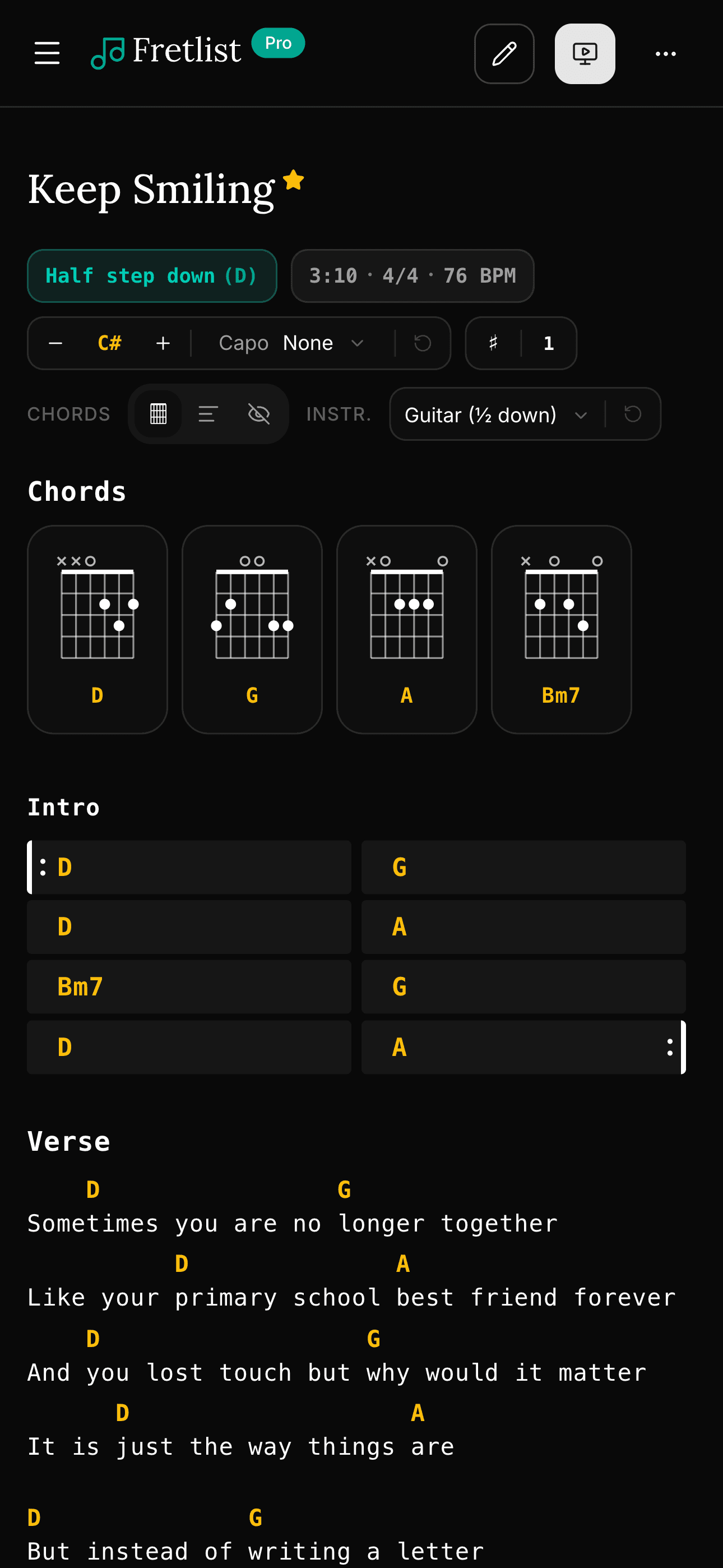
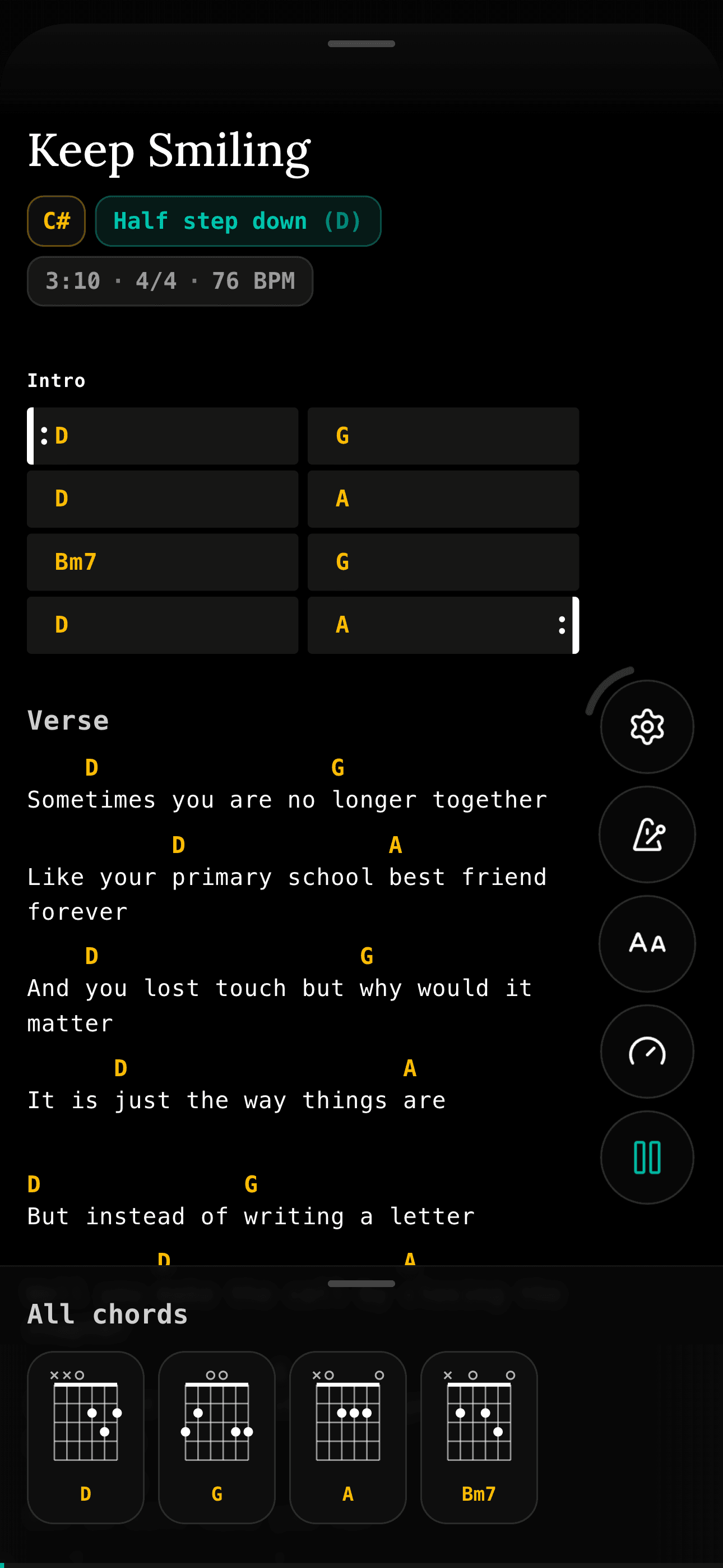
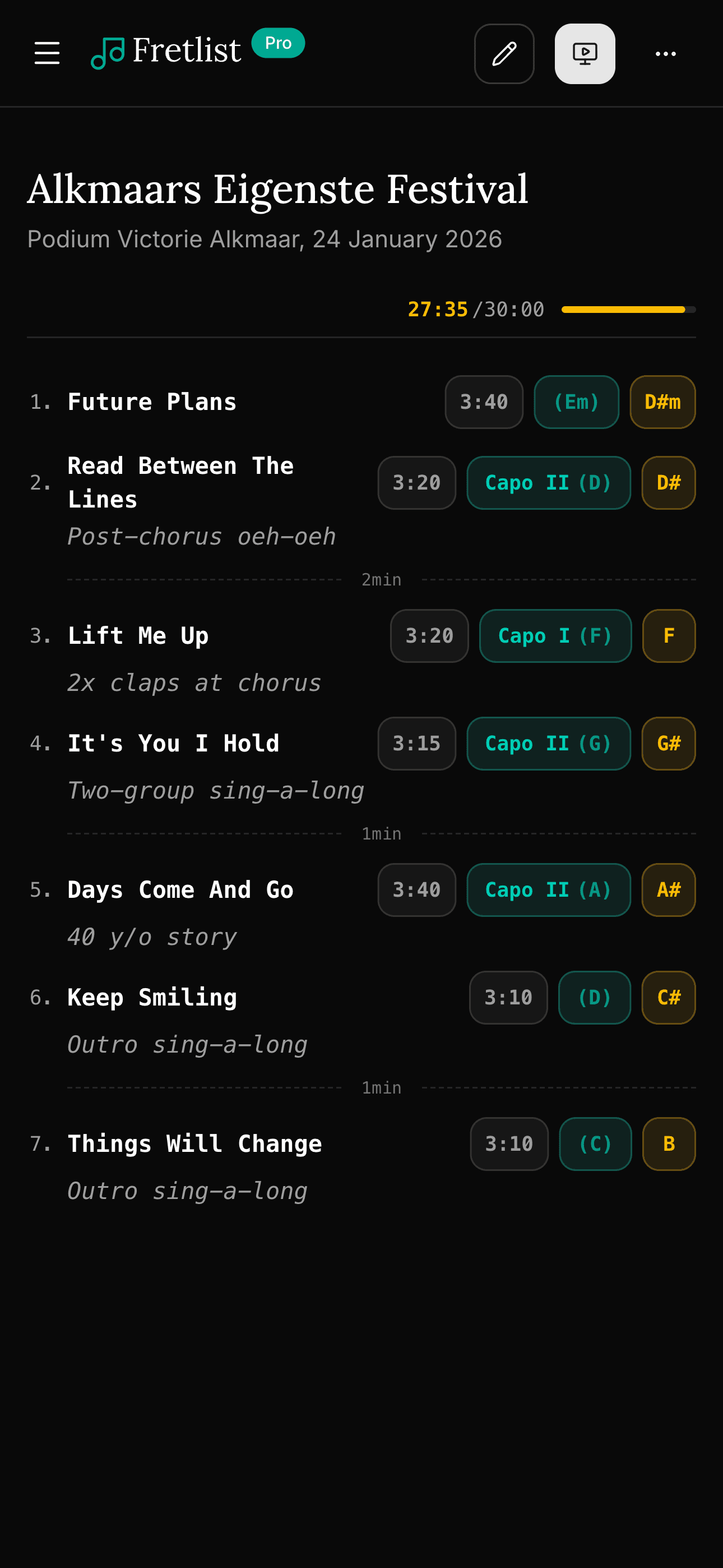
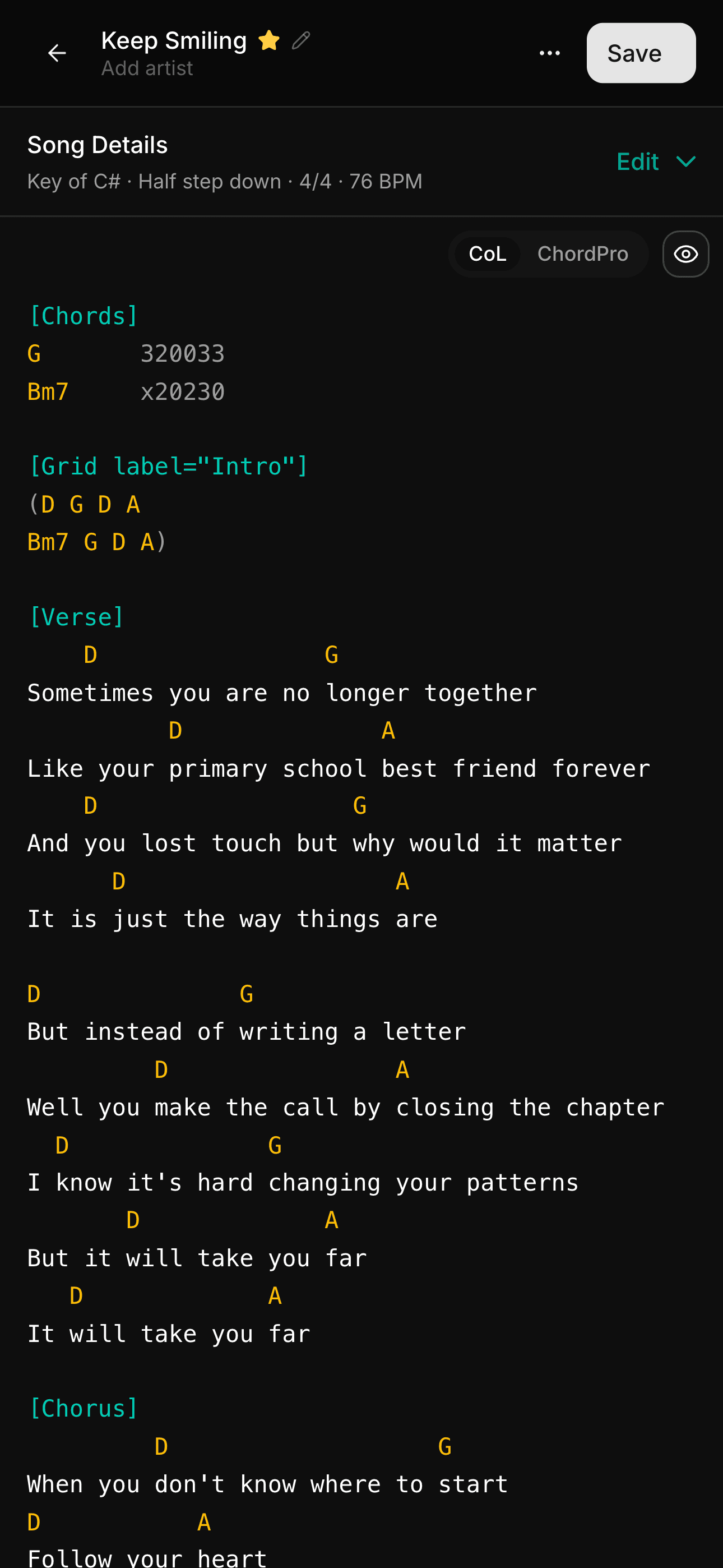
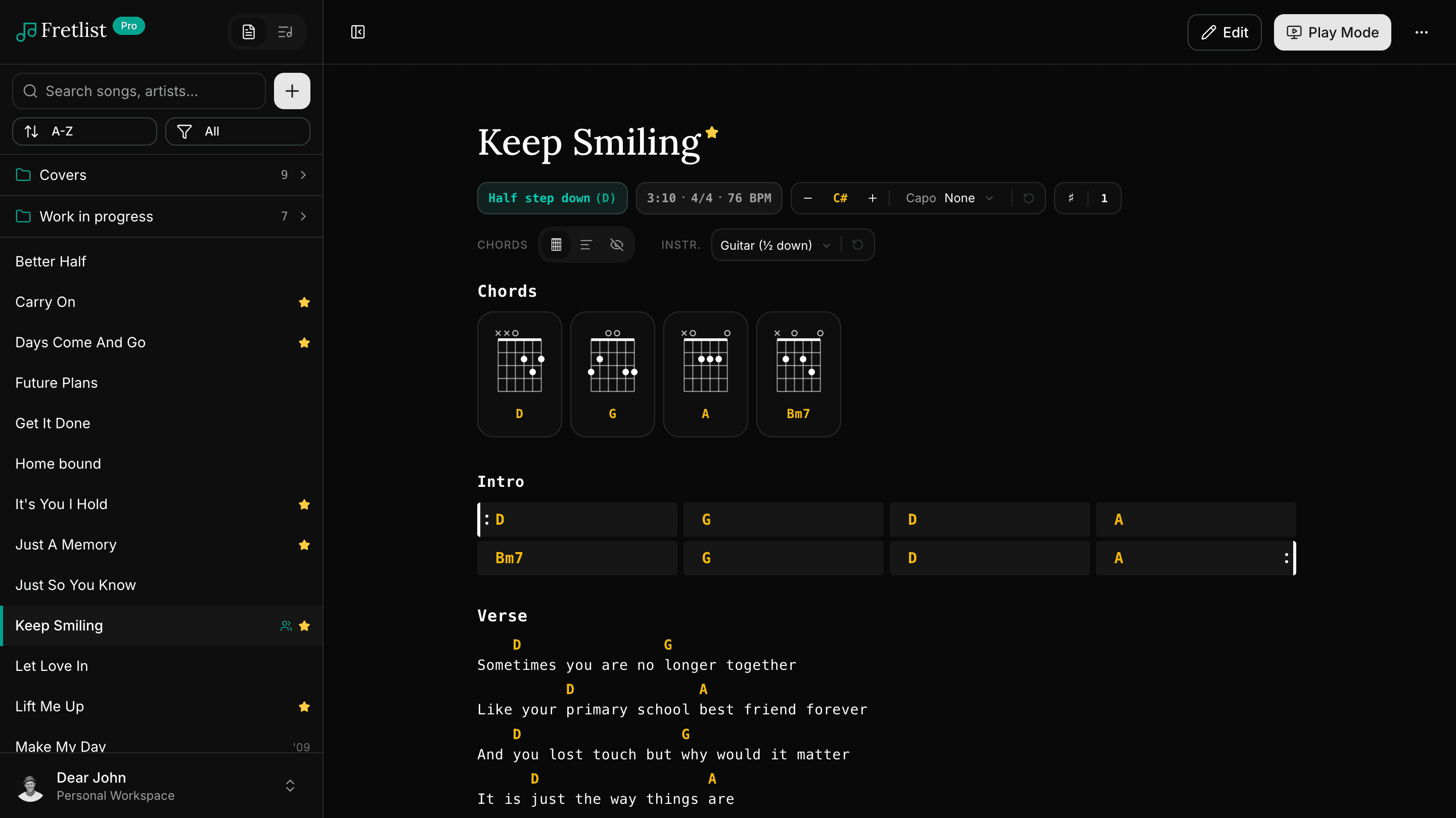
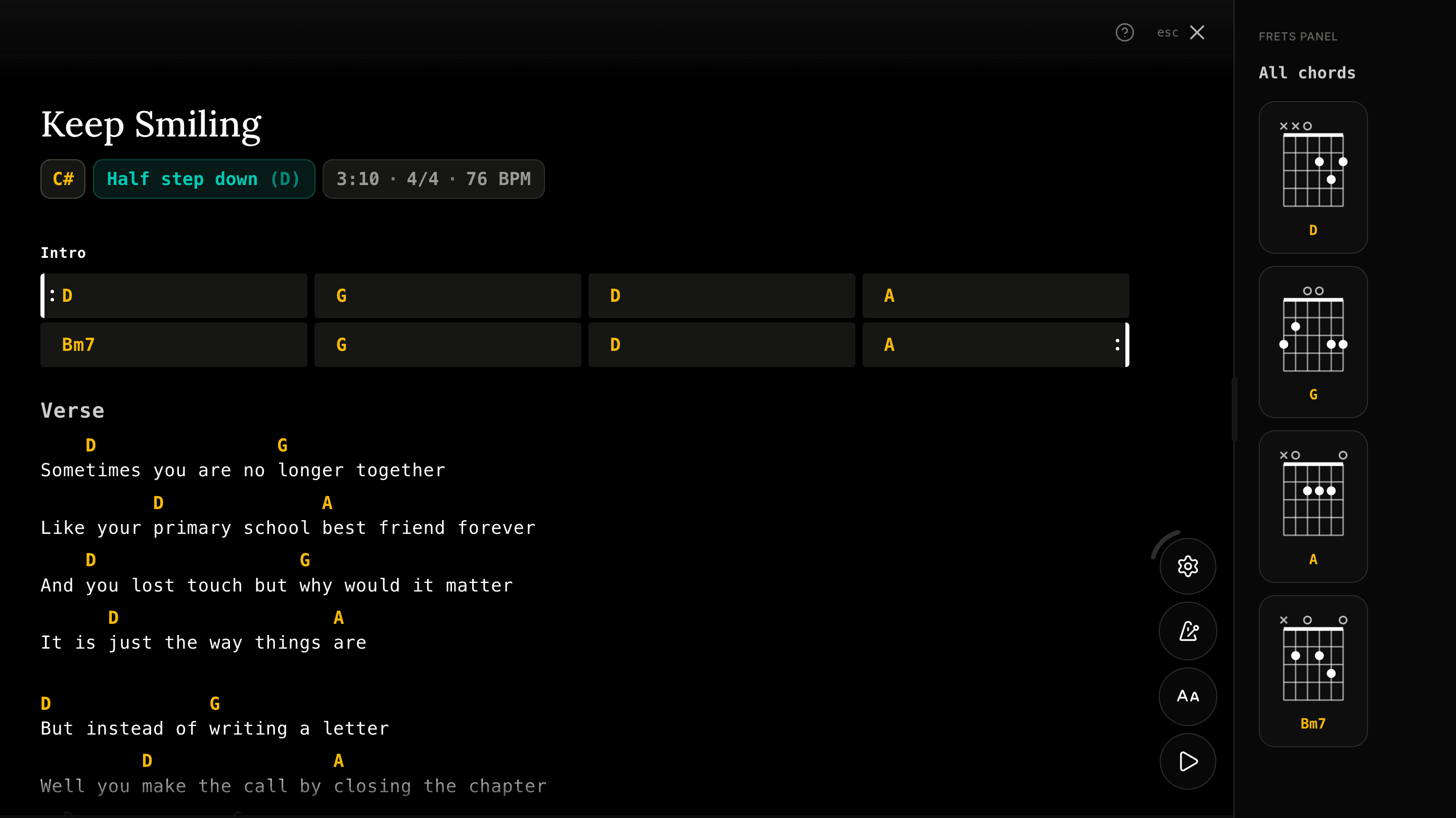
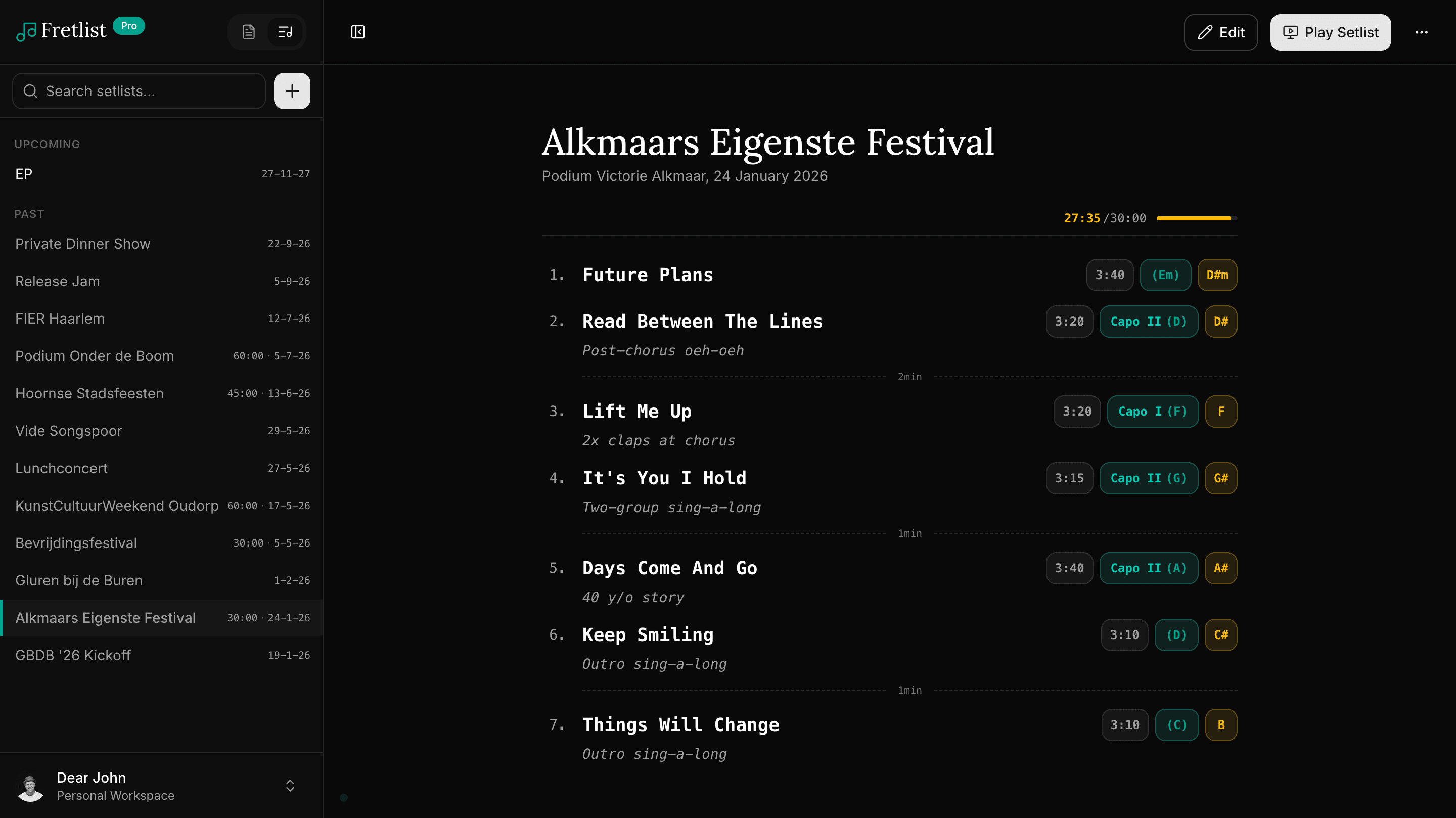
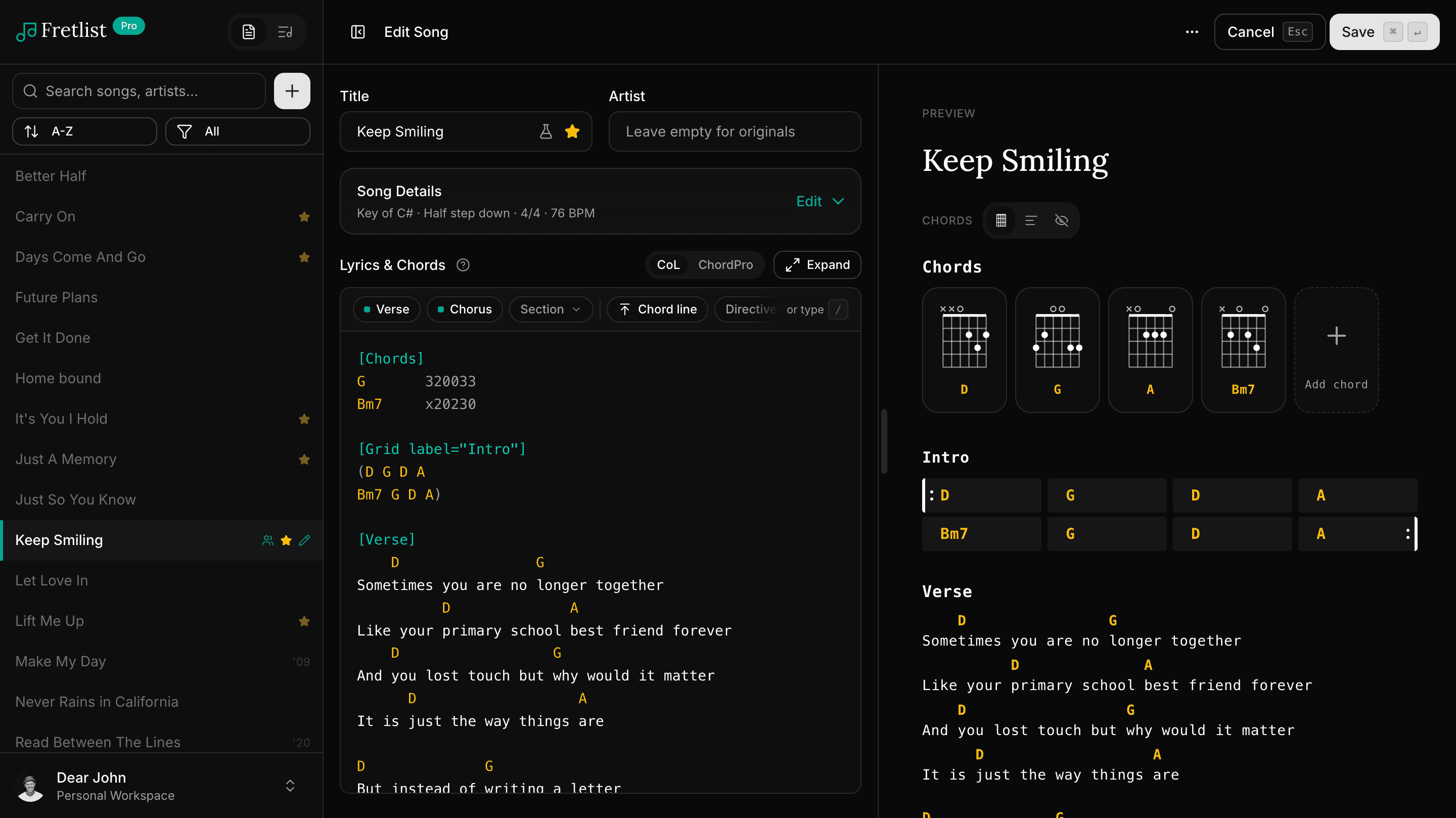
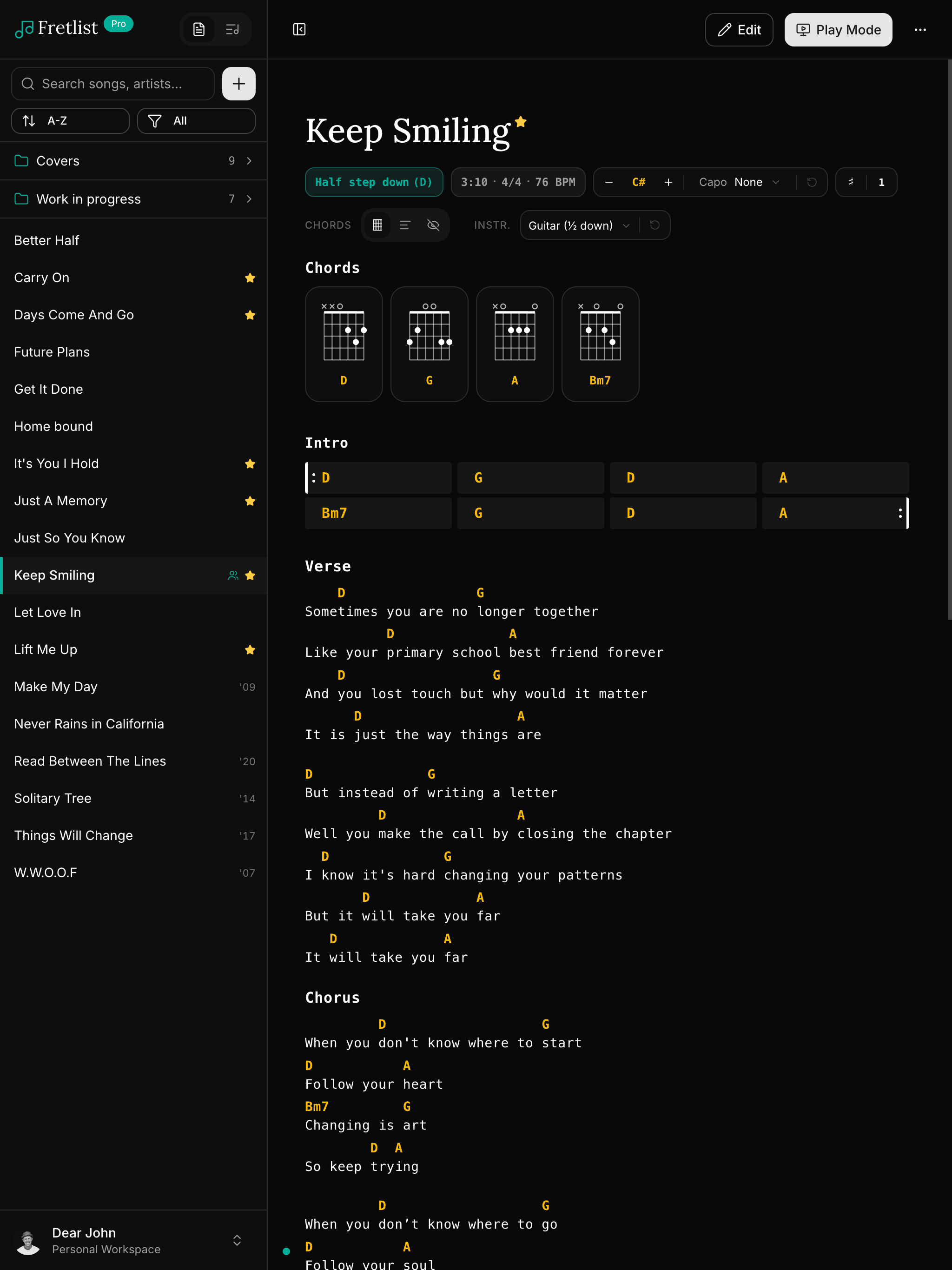
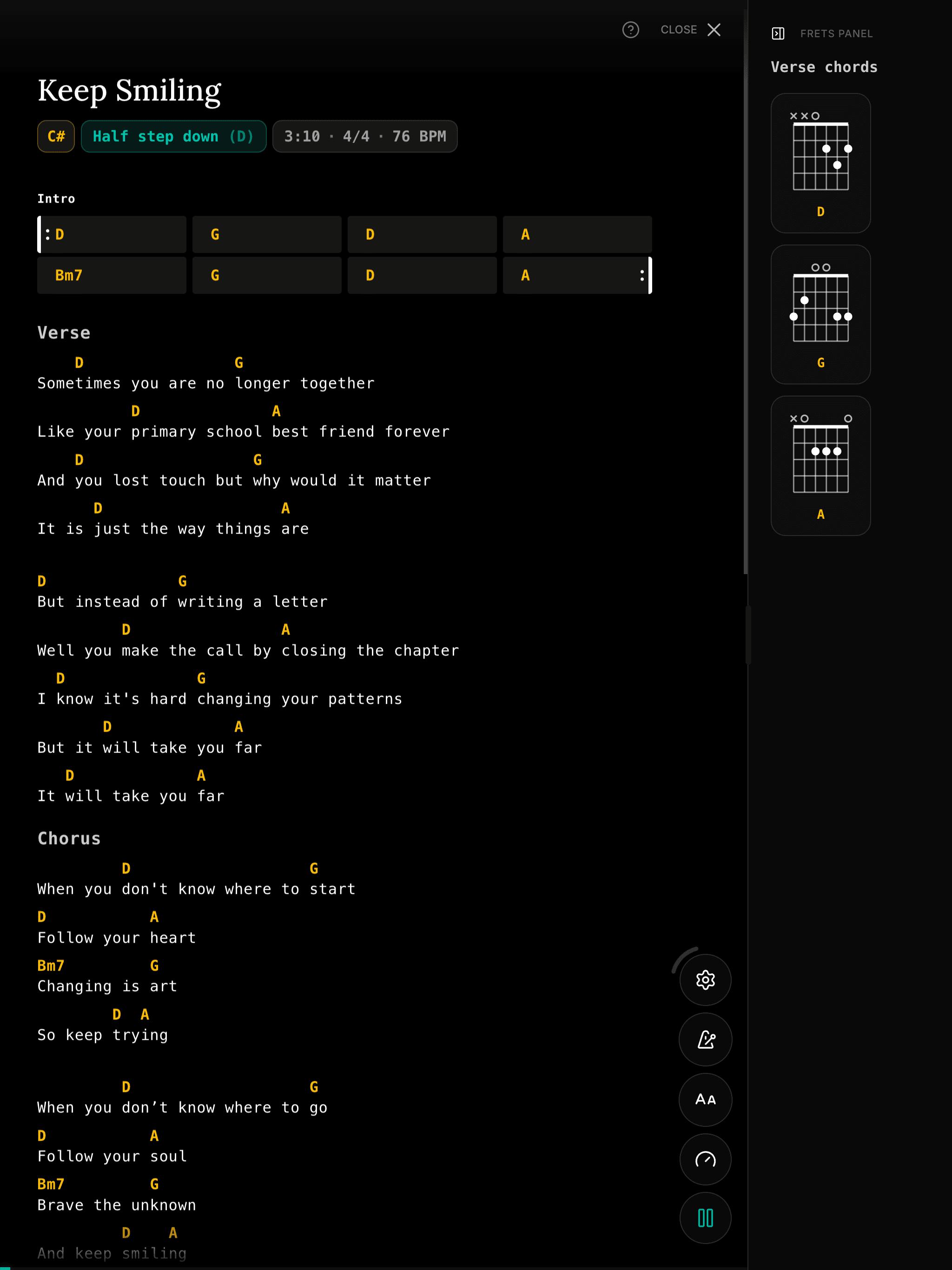
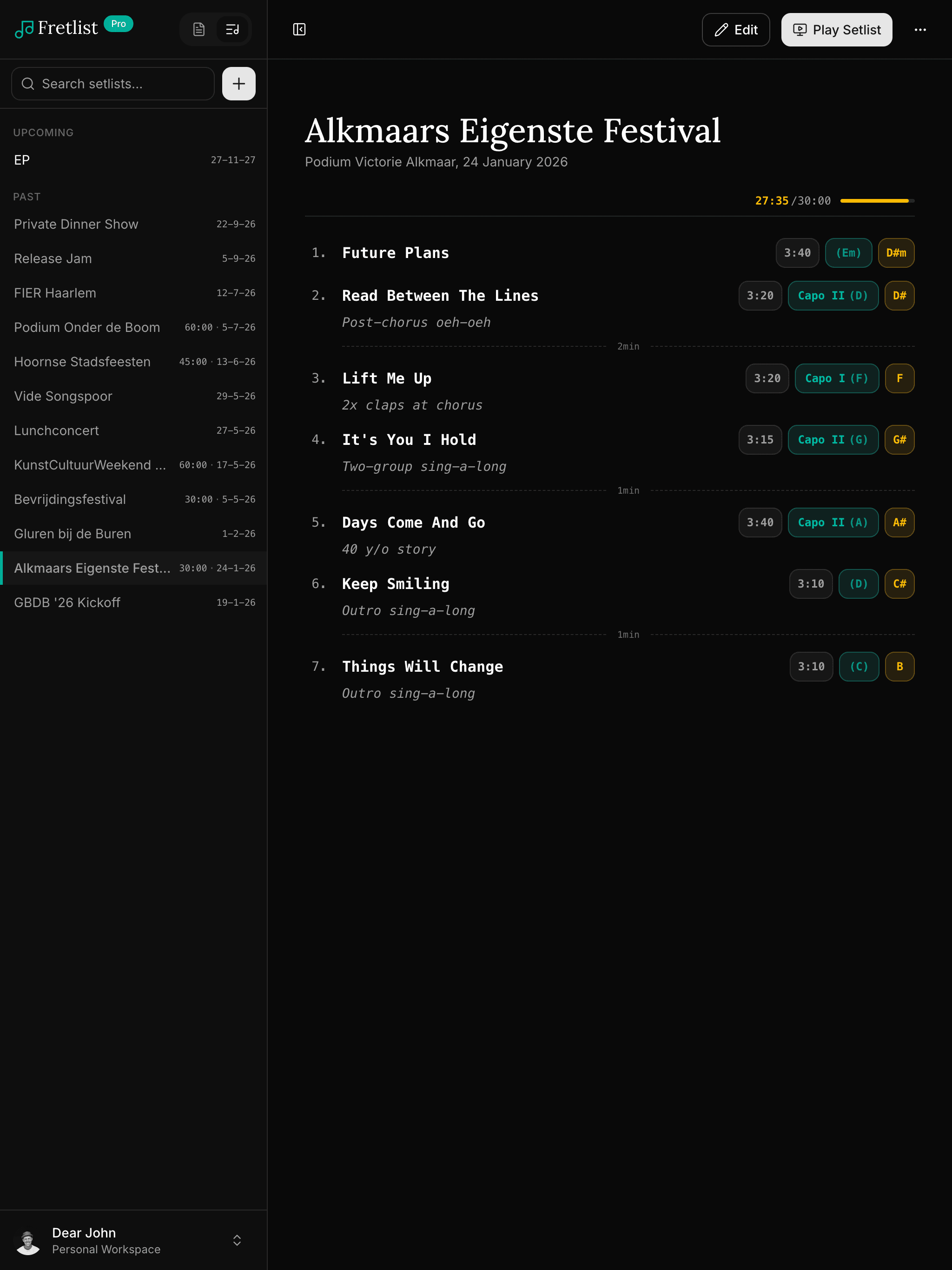
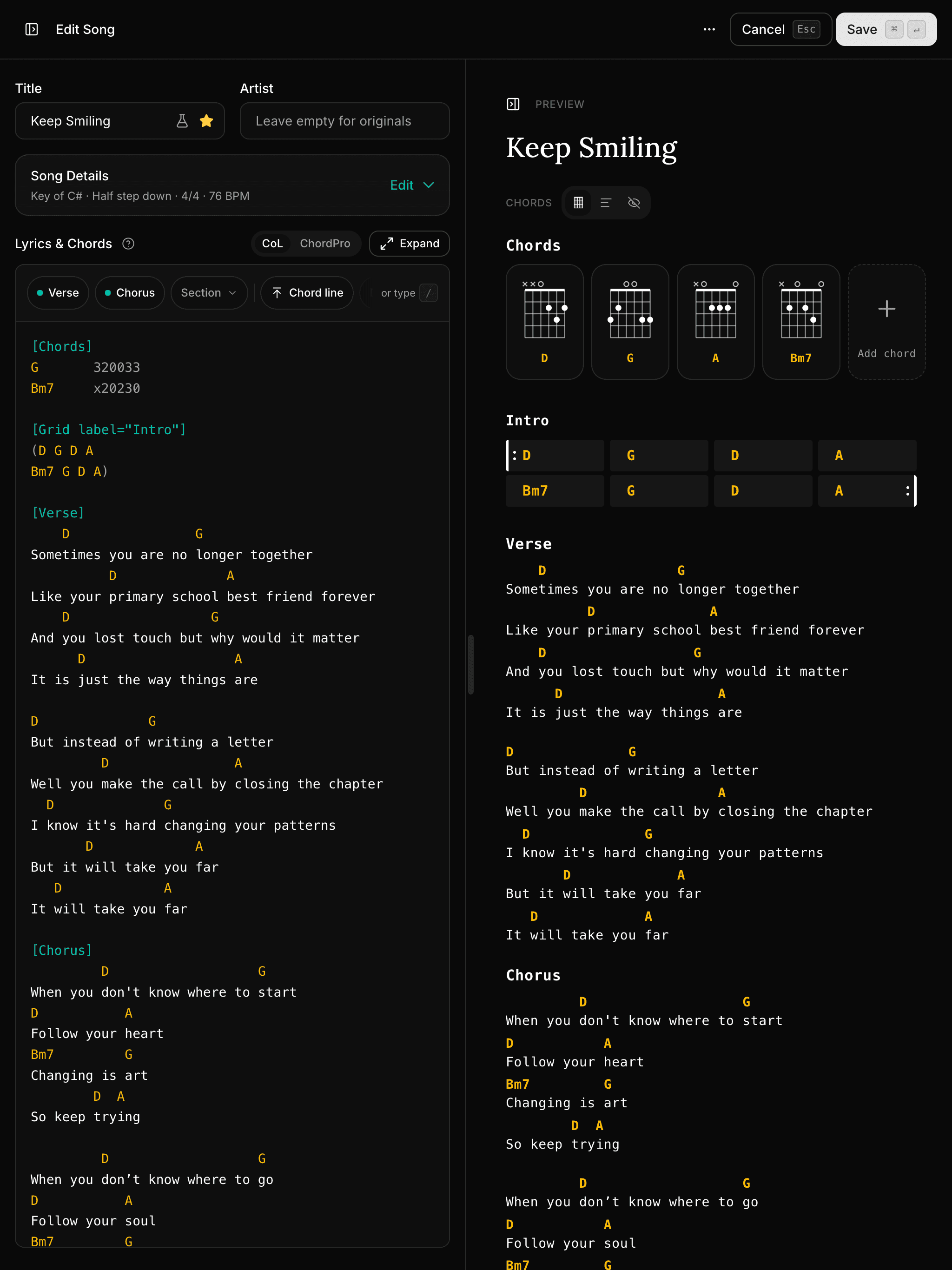
The two names come up together in every forum thread about playing from a tablet, and the answer is usually the same: it depends on whether your music is chord charts or sheet music. That is the real split, and it decides the choice before any feature list does.
OnSong is built around chord charts: text files with chords above or inside the lyrics, which it can transpose, reformat and resize. forScore is built around PDFs: scanned scores and lead sheets, which it can annotate with an Apple Pencil but cannot rewrite. Each does the other job badly.
| OnSong | forScore | Fretlist | |
|---|---|---|---|
| Built for | Chord charts and lyrics (ChordPro, text, PDF, images) | PDF sheet music and lead sheets | Chord charts and lyrics (ChordPro, chords over lyrics) |
| Runs on | iPad, iPhone, Mac. Android listed as coming soon, no date | iPad, iPhone, Mac, Vision Pro | Any device with a browser: iPad, Android, Windows, Mac |
| Price (Oct 2026) | Essentials $29.99/yr, Premium $59.99/yr, limited free tier | $24.99 one-time, forScore Pro $14.99/yr on top | Free up to 50 songs, Pro €24/yr |
| Transpose a song | Yes, chord charts in any key | No. A PDF is a picture of the page; a new key is a new PDF | Yes, key or capo, saved per song and synced |
| Annotate with a pencil | On PDFs and images | Yes, the strongest part of the app | No |
| Page turning | Bluetooth pedals, MIDI | Bluetooth pedals, MIDI, its own remote control | Bluetooth pedals and keyboards, plus auto-scroll |
| Stage extras | MIDI, lighting, lyrics projection, backing tracks (Premium) | Half-page turns, rearranged pages, bookmarks | Auto-scroll, metronome, section navigation, dark mode |
| Edit from a computer | Mac app, or OnSong Console in a browser (Premium) | Mac app | Yes, it is a web app |
Both apps assume the iPad. If you play from an Android tablet, type up songs on a Windows laptop, or share a library with a bandmate who does, neither one covers you.
Fretlist is the chord chart side of this comparison as a web app: chords over lyrics or ChordPro, transposed in any key, built into setlists, played full screen with auto-scroll. It runs on any device with a browser, installs to the home screen, and works offline. It imports OnSong backups, so a library moves over in one go.
It is not a PDF reader. If your music is sheet music you annotate, forScore remains the right tool, and nothing on this page changes that.
Chord charts: OnSong. Sheet music: forScore. Pick by what is in your binder, not by the feature lists.
Chord charts on something other than an iPad, or on an iPad plus everything else you own: that is what Fretlist is for.
Chord charts, transposed, in setlists, on any device. Import your OnSong backup and see. Free to start.
Switching from OnSong? Fretlist imports your OnSong backup in one go and runs on iPad, Android, Windows and Mac, with offline Play Mode for the stage. Free to start.
A setlist app for iPad that also runs on your phone and laptop: chord sheets, transpose, Play Mode with auto-scroll, offline on stage. Imports OnSong and SongbookPro libraries. Free to start.
A chord sheet app that runs on Android phones and tablets: import your OnSong or SongbookPro library, transpose, build setlists and play from the stage, offline. Free to start.