Loading

Setlists and chord sheets
on iPad

The iPad is the stage device. Fretlist runs on it full screen, and the same songs are on your phone and your laptop without a second purchase.

of musicians
Hundreds
songs added
34,000+
imported
94%
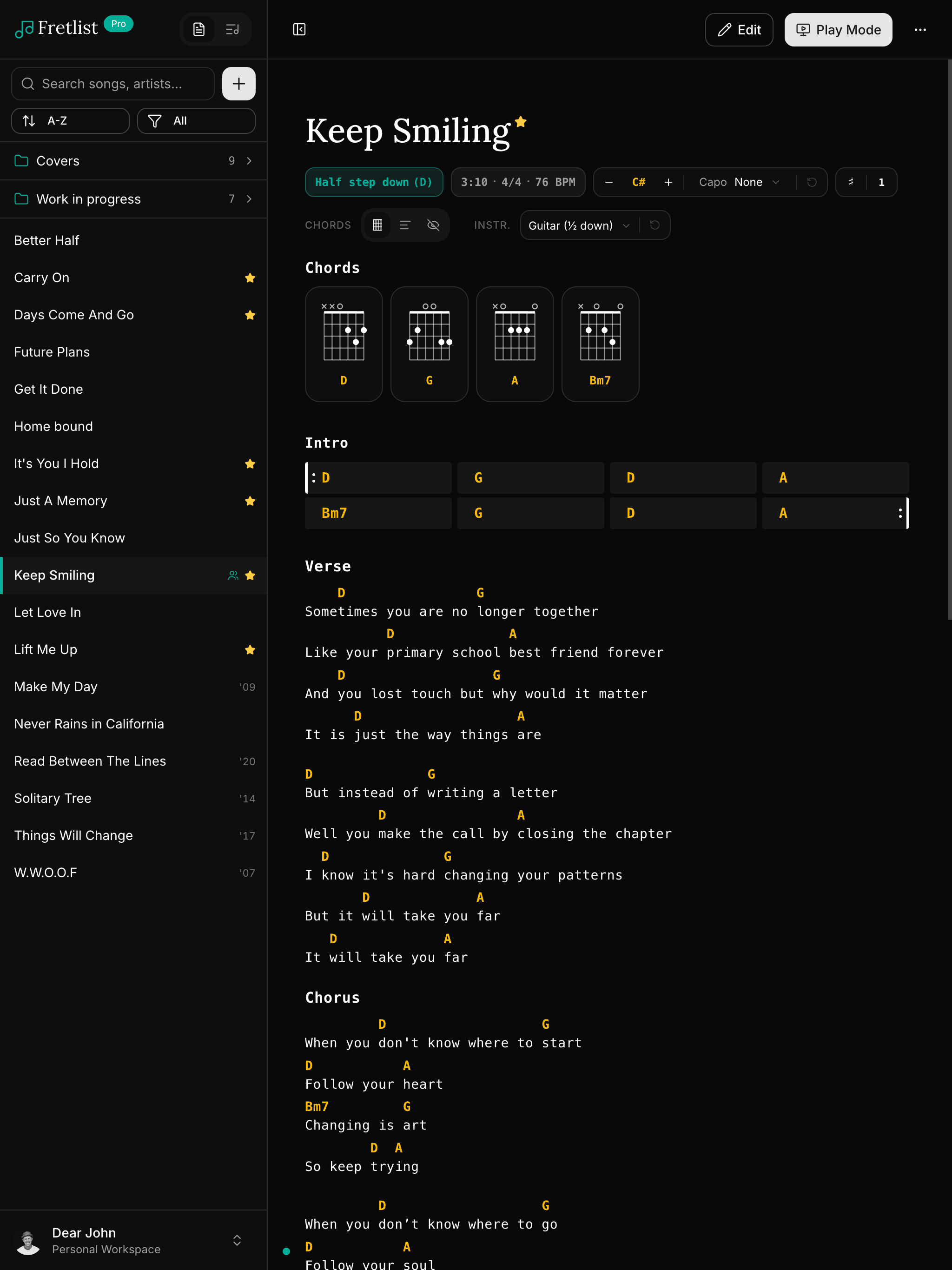
Song View on tablet

The iPad has the best chord sheet apps, and most of them stay on the iPad. The gap shows when you want to type up songs on a laptop, or when a bandmate turns up with an Android tablet.

Fretlist runs in the browser on the iPad, Safari or Chrome or whichever you use, installs to the home screen, and works offline. The same account opens on a Mac, a Windows laptop, an iPhone or an Android phone, with the songs and setlists already there.

Install Fretlist on iPad

On iPad you install from Safari, Chrome or DuckDuckGo. It takes under a minute.

  1. 1.Open fretlist.com in your browser and sign in.
  2. 2.Tap the Share button: the square with an arrow pointing up, in the toolbar or in the browser's menu.
  3. 3.Scroll down and tap Add to Home Screen.
  4. 4.Tap Add in the top corner.

A Fretlist icon appears on your home screen. It opens full screen like any other app, and the songs are there without Wi-Fi.

Which chord sheet apps run on iPad?

AppOn iPad
OnSongYes, the iPad is its home. Subscription: Essentials $29.99 a year, Premium $59.99 a year (October 2026).
forScoreYes, $24.99 one-time. Built for PDF sheet music rather than chord charts.
SongbookProYes, a one-time purchase for iOS. Android and Windows are sold separately.
BandHelperYes, part of the subscription.
FretlistYes. Installs from Safari, Chrome or any other browser, and the same account runs on every other device.

What you get on iPad

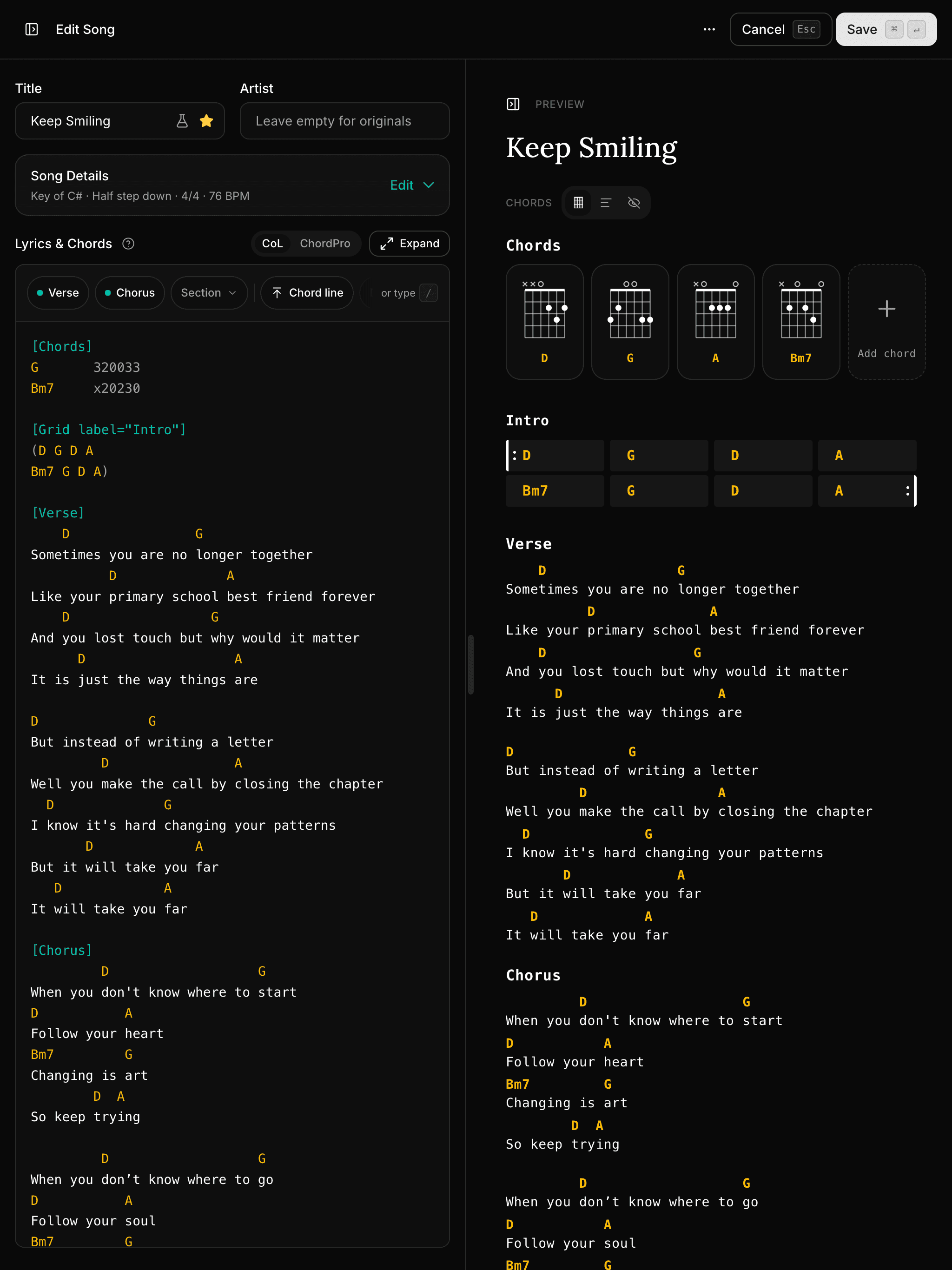
Your whole library, imported in one go

Fretlist reads OnSong and SongbookPro backups directly, and imports ChordPro, PDF, Word and ZIP files in bulk. Paste a song from Ultimate Guitar and it comes in as a chord sheet. Songs, setlists, keys and capo settings all come across.

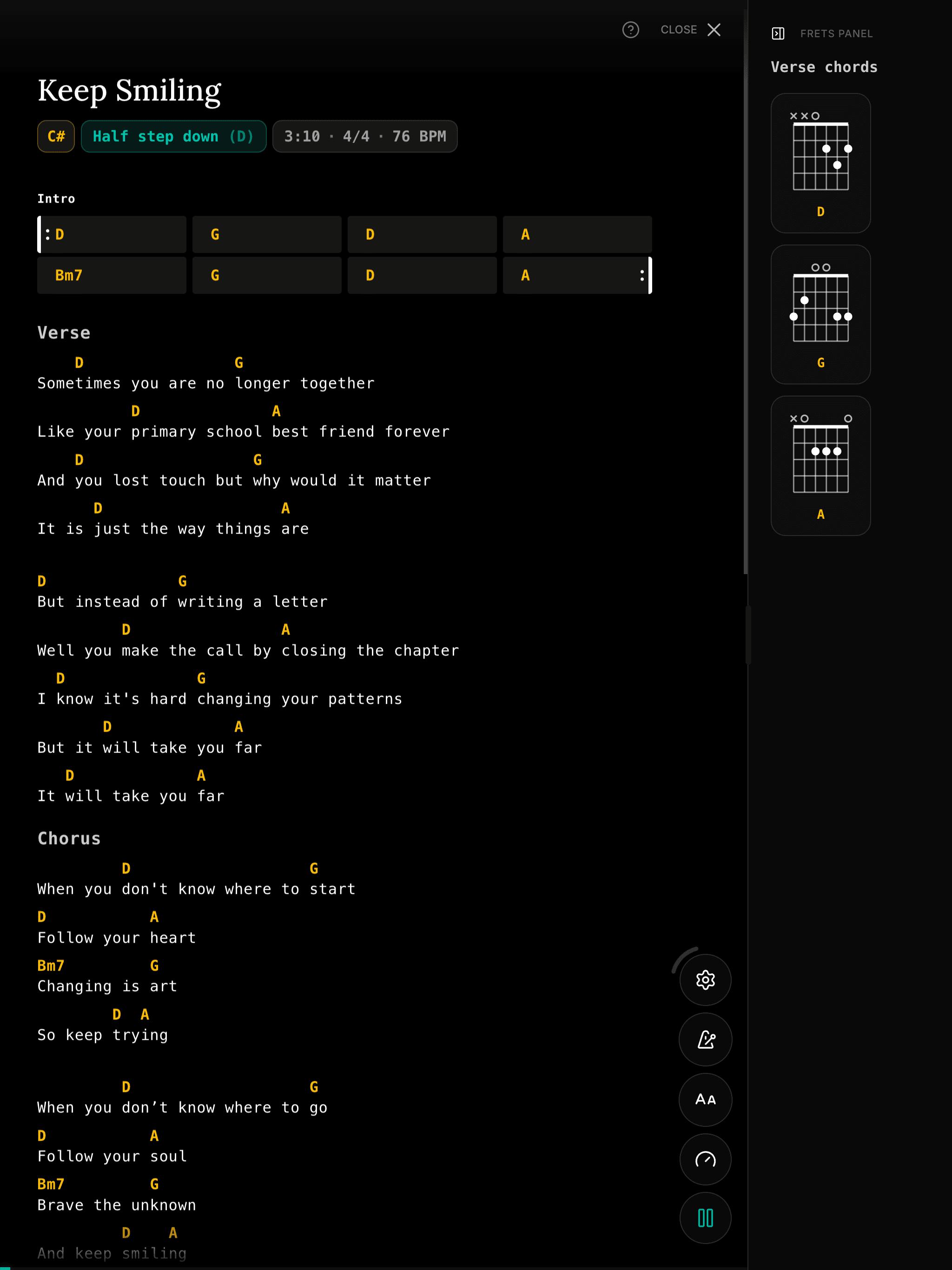
Play Mode for the stage

Full-screen chord sheets with auto-scroll, a metronome, section navigation and a wake lock so the screen stays on. A Bluetooth page turner or keyboard works for hands-free song changes. Dark mode included.

Works offline

Your songs and setlists are saved on the device, so they keep working without internet. Rehearsal rooms and stages rarely have a good signal, and the app does not need one.

Transpose and capo on the fly

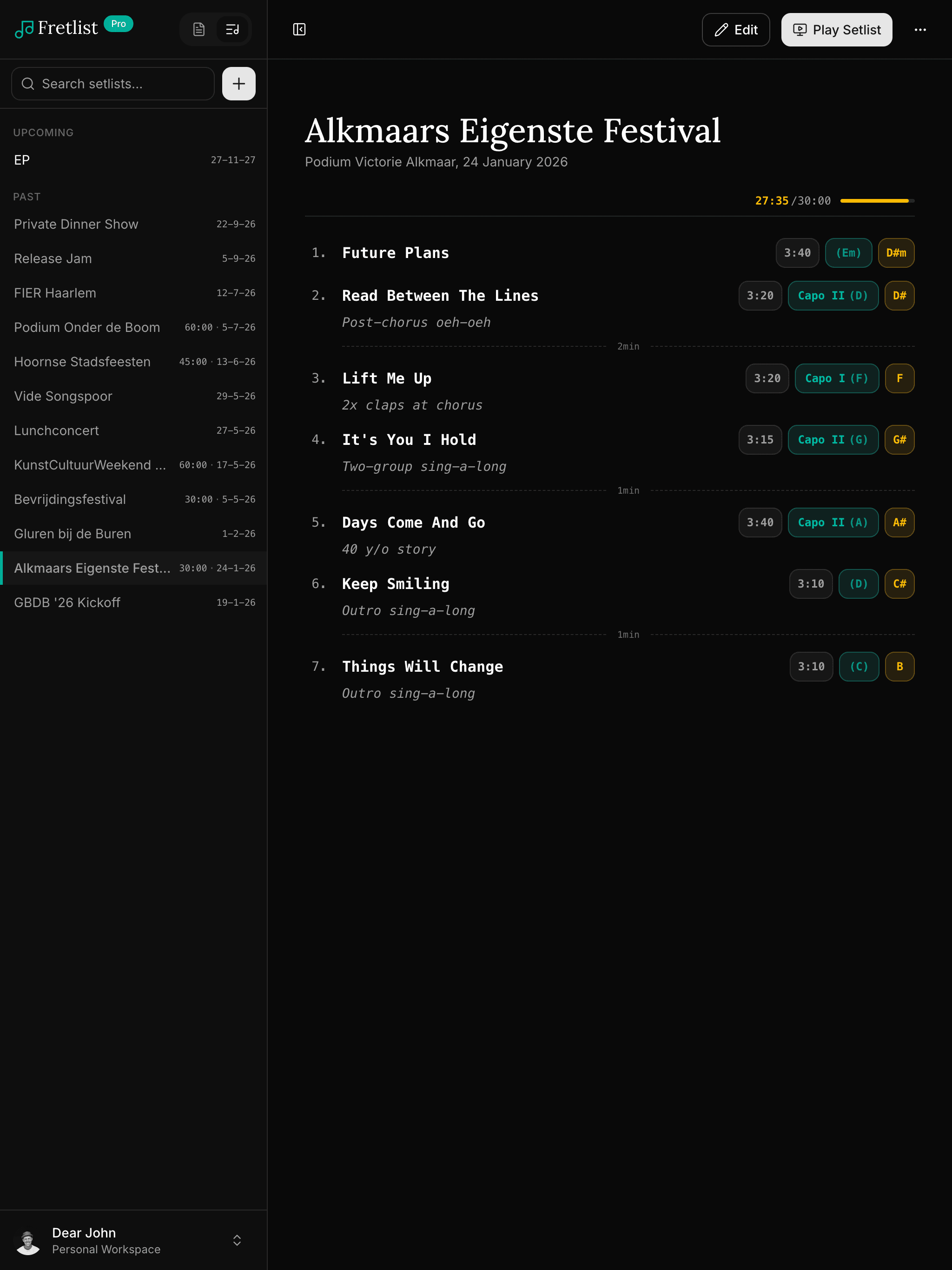
Change the key or set a capo and every chord in the sheet follows. The setting is saved per song and synced, so the tablet shows what you set on the laptop.

Synced in real time

Edit on the laptop at home, it's already on your tablet at rehearsal. No cables, no exports, no “which version is the latest.”

Works offline

Your songs and setlists are saved on your device, so they keep working without internet. At home, at rehearsal or on stage.

Install from your browser

No store, no download. Add it to your home screen or dock from your browser and it opens full-screen like any other app.

“I was literally set up and ready to play within minutes! It's simple, and it just works!”
Emma Louise Nagy, singer/guitarist, NSW, Australia

Ready to play from your iPad?

Open fretlist.com in your browser, add it to your home screen, and take your setlist to the next gig. Free to start.

Frequently Asked Questions