Fretlist for Bands
One shared library for the whole band. Every player reads it on their own instrument, in their own tuning, capo and key. At rehearsal and on stage, Follow Me keeps every screen on the same song, at the same spot.
Up to 15 people per band, and members pay nothing. Bigger groups? Contact me.
Wild Mountain Thyme
ChordsChorusAnd we'll Call go toGgetherTo pull Cwild mountain GthymeCAll around the Gblooming EmheatherWill ye Cgo, Dlassie, Ggo?Jordan
Not on this song
Wild Mountain Thyme
ChordsChorusAnd we'll Call go toGgetherTo pull Cwild mountain GthymeCAll around the Gblooming EmheatherWill ye Cgo, Dlassie, Ggo?Jordan
Not on this song
One library for the whole band. Your own layer on top.
You set up the band and invite everyone by email. From then on it's one set of songs and setlists, and every member reads them their own way.
Invite the band
Up to 15 people by email, each with their own role. Members pay nothing.
One band key, your own key
The song keeps the band's key. A capo or transpose changes only your view.
Your instrument, your chords
Guitar, ukulele or keys each get their own chord diagrams. A singer or drummer gets the song without them.
See who plays what
The Band panel shows each player's instrument and capo, who sings lead and who sits a song out. A purple dot means someone sounds in a different key.
Chart or sheet, per player
Files belong to the song. One player reads the PDF part, the next reads the chart, each their own choice.
My notes, just for you
Cues and reminders your bandmates never see. They show in your Play Mode too.
“Very cool to have the personal notes option in a band. This is something I always missed on SongbookPro.”
“I love how Fretlist handles sharing songs. Providing a link is great. The ability to email from within the app is also pretty awesome.”
“This creation of yours is brilliant.”
Follow Me. The whole band on the same page.
Whoever presses Play leads. Every other phone, tablet and laptop follows: same song, same spot, scrolling together. Each one still reads in its own key, capo and text size.
Try it: press Next on Ben's laptop, or flip ahead on Kai's phone.
Amazing Grace
IntroGG7CGRefrainAGmazing G7Grace, how Csweet the GsoundThat saved a Awretch like Dme!I Gonce was G7lost, but Cnow am Gfound,Was Emblind, but Dnow I Gsee.Verse 1'Twas Ggrace that G7taught my Cheart to Gfear,And grace my Afears reDlieved.How Gprecious G7did that Cgrace aGppear,The Emhour I Dfirst beGlieved.Verse 2ThrougGh many G7dangers, Ctoils and sGnaresWe have alrAeady Dcome'Twas gGrace hath G7brought us Csafe thus fGarAnd gEmrace will Dlead us GhomeVerse 3The GLord has G7promised Cgood to Gme,His word my Ahope seDcures;He Gwill my G7shield and Cportion Gbeas Emlong as Dlife enGdures.Verse 4When Gwe've been G7there ten Cthousand Gyears,Bright shining Aas the Dsun,We've Gno less G7days to Csing God's GpraiseThan Emwhen we'd Dfirst beGgun.RefrainAGmazing G7Grace, how Csweet the GsoundThat saved a Awretch like Dme!I Gonce was G7lost, but Cnow am Gfound,Was Emblind, but Dnow I Gsee.Ben's laptop
Keys
Amazing Grace
IntroG#G#7C#G#RefrainAG#mazing G#7Grace, how C#sweet the G#soundThat saved a A#wretch like D#me!I G#once was G#7lost, but C#now am G#found,Was Fmblind, but D#now I G#see.Verse 1'Twas G#grace that G#7taught my C#heart to G#fear,And grace my A#fears reD#lieved.How G#precious G#7did that C#grace aG#ppear,The Fmhour I D#first beG#lieved.Verse 2ThrougG#h many G#7dangers, C#toils and sG#naresWe have alrA#eady D#come'Twas gG#race hath G#7brought us C#safe thus fG#arAnd gFmrace will D#lead us G#homeVerse 3The G#Lord has G#7promised C#good to G#me,His word my A#hope seD#cures;He G#will my G#7shield and C#portion G#beas Fmlong as D#life enG#dures.Verse 4When G#we've been G#7there ten C#thousand G#years,Bright shining A#as the D#sun,We've G#no less G#7days to C#sing God's G#praiseThan Fmwhen we'd D#first beG#gun.RefrainAG#mazing G#7Grace, how C#sweet the G#soundThat saved a A#wretch like D#me!I G#once was G#7lost, but C#now am G#found,Was Fmblind, but D#now I G#see.Kai's phone
Guitar
Ben's laptop leads. Kai's phone follows.
Follow Me works on any mix of devices: iPad, iPhone, Android, Mac, Windows. Each one needs internet: no venue WiFi? Use a hotspot.
Made by a musician who answers
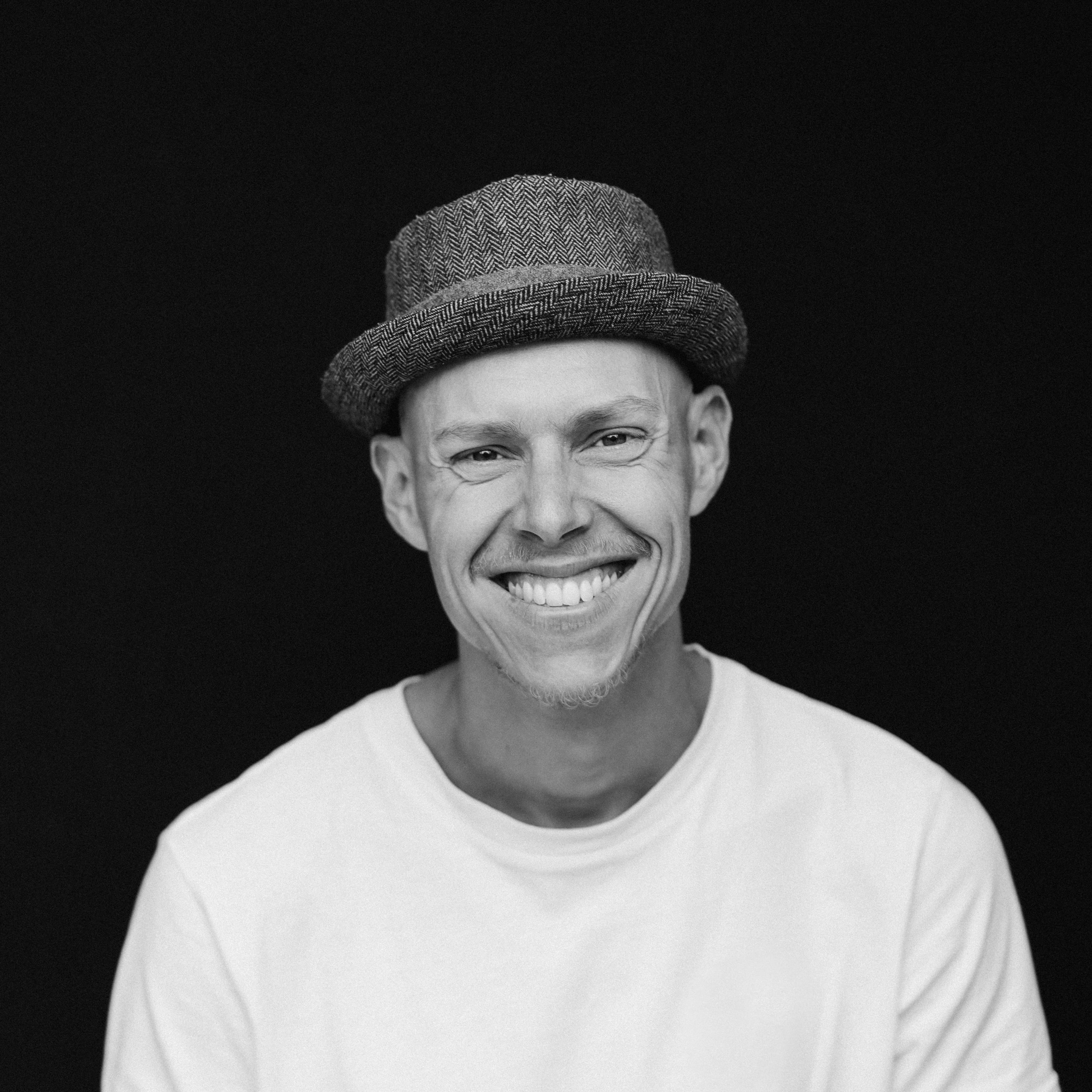
Hi, I'm Dear John, a singer-songwriter from the Netherlands. I built Fretlist for my own gigs, and I still play every show from it.
There's no team and no investors. Every email and every fix goes through me. Tell me what's broken and you'll usually see it fixed within days. And if you have ideas to make it better, I'm all ears.
“I am extremely impressed that the creator is actually corresponding with me.”
Everything you need on stage, on every plan
Free has everything for playing and managing your songs. Pro adds room for a big library and more sheet conversions. Nothing you have made is ever hidden, locked or removed.
- 50 songs, 3 setlists
- 25 MB for PDFs and photos
- 10 AI credits a month
- Convert PDFs and photos to charts
- Chords for guitar, ukulele, mandolin, banjo, bass, keys
- On every device, always in sync
- Version history (last 5 versions)
- Import your OnSong or SongbookPro library
- Play Mode, offline on stage
- Connect AI apps (Claude, ChatGPT)
Everything in Free, plus:
- Unlimited songs
- Unlimited setlists
- 5 GB for PDFs and photos
- 200 AI credits a month
- Version history (last 30 versions)
That's it. Pro is for people with big libraries, and it keeps Fretlist going.
30-day trial. No card needed.
Everything in Pro, plus:
- One shared library for the whole band
- Shared setlists
- Personal capo, instrument and transpose
- Up to 15 members, and they pay nothing
- 20 GB for PDFs and photos, shared
- 500 AI credits a month, shared
- Pro for you, included
- Each extra band is half price
If you already pay for Pro, setting up a band stops it renewing, and once the band is paid for, whatever is left on your Pro goes back to your card.
Prices in euros. No VAT is added on top.
Frequently asked questions
What bands ask before they start.
Who can start a band?
What does it cost, and who pays?
Is there a free trial?
How many people fit in one band?
Do my bandmates need a subscription?
Can everyone play in their own key?
Can each of us use our own instrument and tuning?
What can my bandmates change?
How does Follow Me work at rehearsal and on stage?
Does it work without internet?
Can I bring my own songs into the band?
Are my notes private?
What happens if the leader leaves?
Do I keep my personal library?
Bring the band. Rehearse and play from one library.
30-day trial on your first band. No card needed.